
Your AI assistant for the office
Talk to her like a person. Trinity understands what you want and does it on your computer: she runs your programs, writes letters and emails, looks up the law and works in your browser.
Stop fighting with your computer
Invoices, letters, emails, government forms, deadlines… Office work eats up the hours you should spend on your clients.
With Trinity, you say it out loud and it's done. Nothing new to learn, no programs to change and no loss of control: she prepares, you decide.
What she does for you
Your business software
She learns any program (invoicing, accounting, warehouse, workshop…) and runs it by voice: opens screens, adds customers, makes invoices and journal entries. She always asks before saving.
«Invoice López for two hours of labour»
Letters, sheets and documents
She writes letters in Word and tables in Excel with their totals, with your date and town, and saves them when you ask.
«Write to the town hall asking for my registration certificate»
She tells you what has arrived, reads and sums up your emails and drafts the replies in Outlook or Thunderbird. She never sends anything without your «yes».
«Tell my accountant I'll send the invoices on Monday»
Law and paperwork
She looks up current Spanish law and answers quoting the act and the article.
«How many days of holiday am I entitled to?»
Your browser
She opens websites, reads them, fills in forms and clicks buttons, with your usual sessions. She never types passwords or card details.
«Open the Social Security site and fill in the form»
Everyday questions
The weather, news, exchange rates or anything on the internet, telling you where she got it.
«What will the weather be like in Valencia tomorrow?»
Notes and reminders
She notes down what you tell her and reminds you out loud at the time you ask.
«Remind me at five to call the bank»
Smarter every day
Whatever any Trinity learns about running a program, they all know, version by version.
«Learn this program»
An ordinary day with Trinity
This is what having an AI assistant in the office feels like:
- 9:00“What's come in?”
She sums up last night's emails and drafts the replies. You just check them.
- 10:30“Invoice López for two hours”
She opens your program, prepares it and reads it to you before saving.
- 12:00“Can I be dismissed while on sick leave?”
She answers with the law in hand, quoting the act and the article.
- 13:15“Write to the council for the certificate”
The letter in Word, with your date and town, ready to sign.
- 17:00“Remind me at five to call the bank”
And at five she tells you out loud.

How she works
- 1You ask
Speaking or typing, as you would ask a person. - 2She understands
She knows what you want, in which program and with which data. - 3She prepares it
She opens whatever is needed and leaves it done on your screen. - 4You decide
She tells you what she's about to do and waits for your “yes” before saving or sending.

Made for your sector
Trinity speaks your business's language: entries for the accountant, quotes for the workshop, bookings for the restaurant, filings for the law firm.
- Accountants and advisers
- Workshops
- Shops
- Factories and warehouses
- Property managers
- Professionals and freelancers
- Lawyers and court agents
- Estate agents
- Energy advisers
- Hospitality
- Transport and logistics
- Building and refurbishment
- Clinics and practices
- Pharmacies
- Academies and training centres
- Farming and cooperatives
- Insurance brokers and agencies
- Hair salons and beauty centres
- Architecture and engineering
- Associations and NGOs
- Veterinary clinics
Wherever you need her
On your Windows computer
The full Trinity: she runs your programs, Word, Excel, Outlook and your browser. Installs in a minute, with no administrator rights, and updates herself.
In the browser, Mac included
Trinity web at iatrinity.com, nothing to install. With her extension for Chrome and Edge she works on the websites you have open.
On your phone
Talk to her from your phone to look things up, ask and draft. Add her to your home screen like an app.

Your data, safe
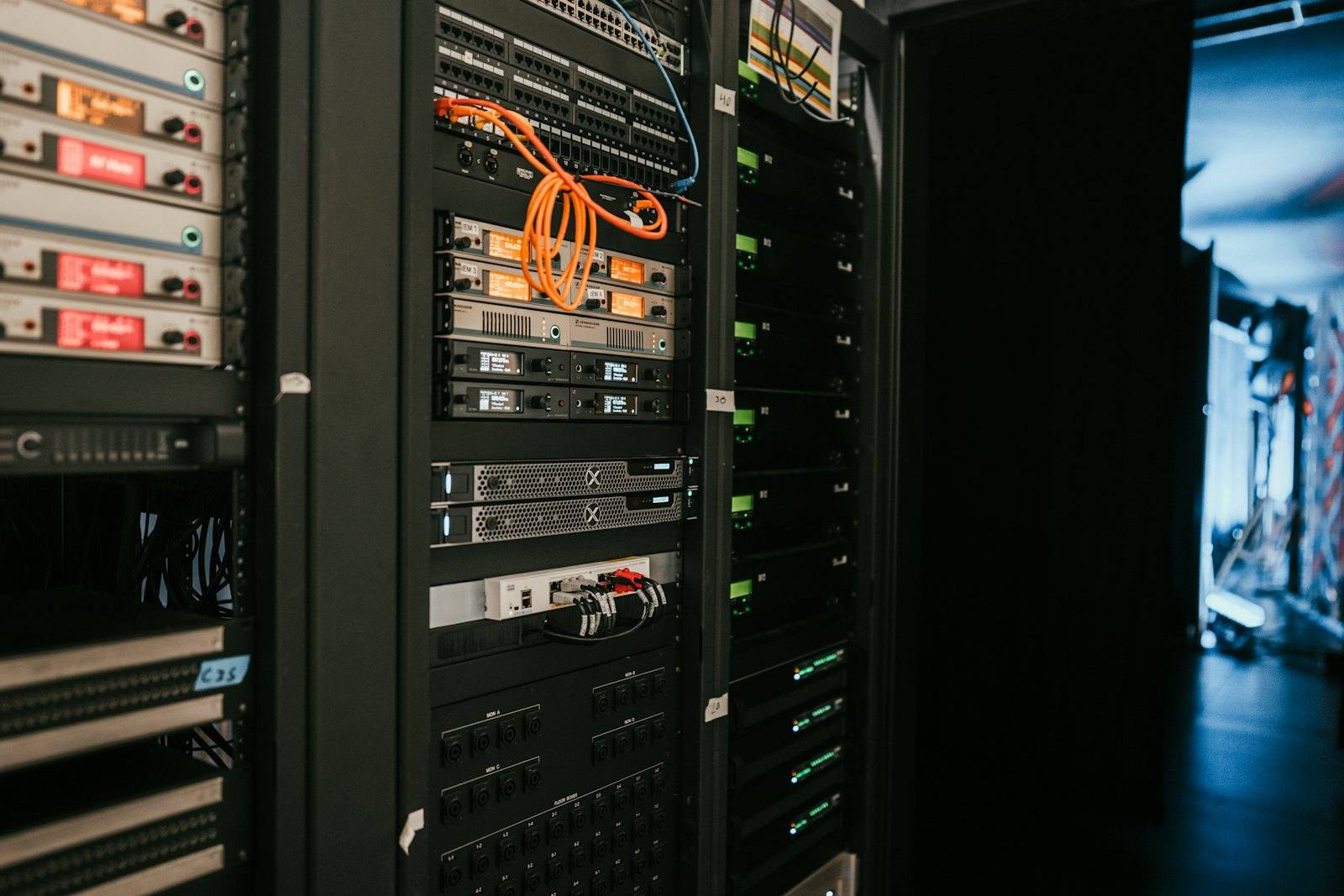
- Her own server in the European Union, with encrypted backups every night.
- She never sends, saves, pays or deletes anything without your «yes»: she always tells you first.
- She never types passwords, PINs, card details or bank accounts: you type those.
- What is yours stays on your computer: your documents, your notes and the screens she learns from your programs.
Getting started is easy
- 1Try her
Talk to Trinity right now on this website, no sign-up. - 2We set up your account
Write to us and we prepare Trinity for your office. - 3Install her or use the web
On Windows, with an installer; on Mac and on your phone, at iatrinity.com.
Frequently asked questions
Do I need a powerful computer?
No. Trinity thinks, listens and speaks on her server; on your computer she only uses about 700 MB of memory.
Does she work with my business software?
Yes. Trinity learns any Windows program by going through its menus and screens, and whatever one Trinity learns, they all know.
Could she get it wrong and save something?
Before saving, sending, paying or deleting she tells you what she is about to do and waits for your «yes». Without it, she doesn't.
Talk to Trinity now
Try her free in your browser or on your phone. No sign-up.